EktuPy Documentation
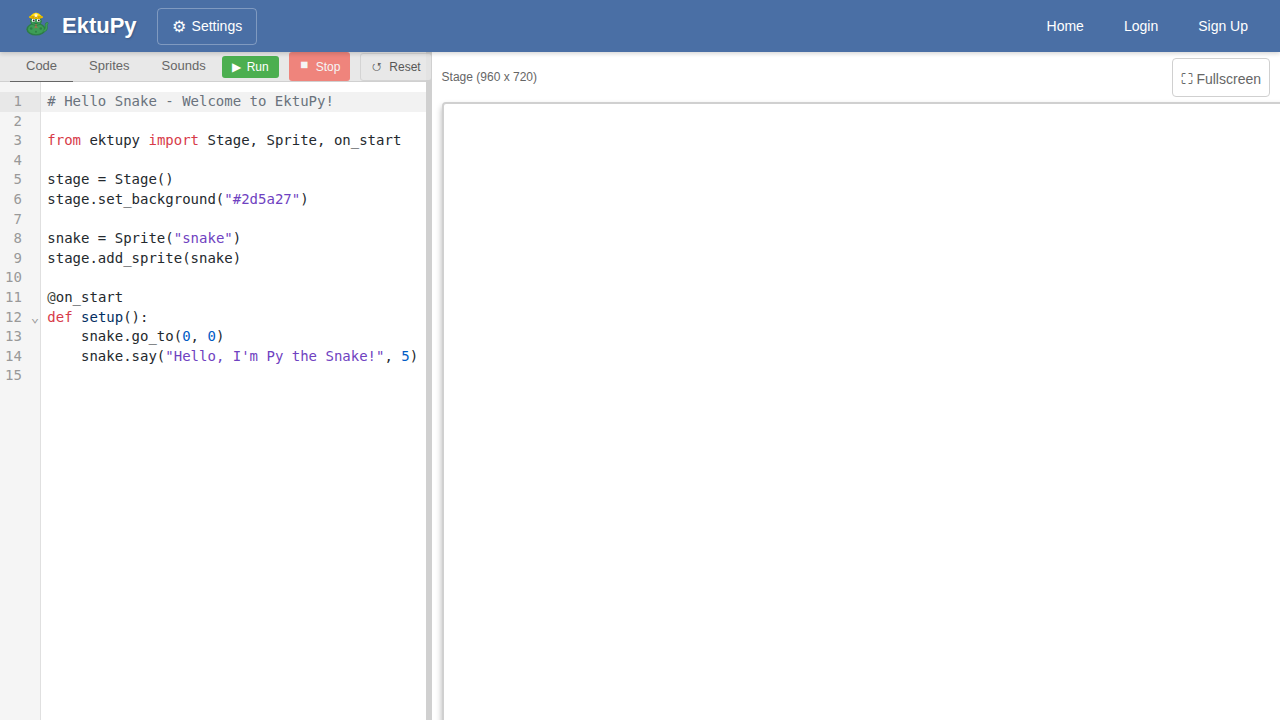
EktuPy is a Python library for creating Scratch-like games in the browser. It runs entirely in the browser using PyScript/Pyodide, making it perfect for educational programming.
Features
- Scratch-like API: Familiar blocks-style programming with Python syntax
- Sprite-based graphics: Create and control multiple sprites
- Event-driven programming: Respond to keyboard, mouse, and custom events
- Per-sprite scripts: Each sprite can have its own independent code (like Scratch)
- Non-blocking animations: Smooth glides and waits without freezing
- Pen drawing: Draw lines and shapes on the stage
- Collision detection: Detect when sprites touch each other or edges
- Cloning: Create copies of sprites at runtime
Quick Start
from ektupy import Stage, Sprite, on_start, on_forever, key_pressed

# Create stage and sprite
stage = Stage()
cat = Sprite("cat")
stage.add_sprite(cat)

@on_start
def setup():
    cat.go_to(0, 0)
    cat.say("Hello! Use arrow keys to move me!")

@on_forever
def game_loop():
    if key_pressed("right arrow"):
        cat.change_x(5)
    if key_pressed("left arrow"):
        cat.change_x(-5)
Documentation
- Getting Started - Installation and first steps
- API Reference - Complete API documentation
- Examples - Code examples with screenshots
Coordinate System
EktuPy uses a Scratch-like coordinate system:
- Stage size is fixed at 960x720 pixels
- Center of stage is (0, 0)
- X increases to the right (-480 to 480)
- Y increases upward (-360 to 360)
- Direction 0 = up, 90 = right, 180 = down, -90 = left